Free Outfits. Your Look, Your Choice.
See an outfit you like? Click to wear it. Pick a few favorites and let the assistant choose for you. An exclusive extra for All-Purpose Card users.
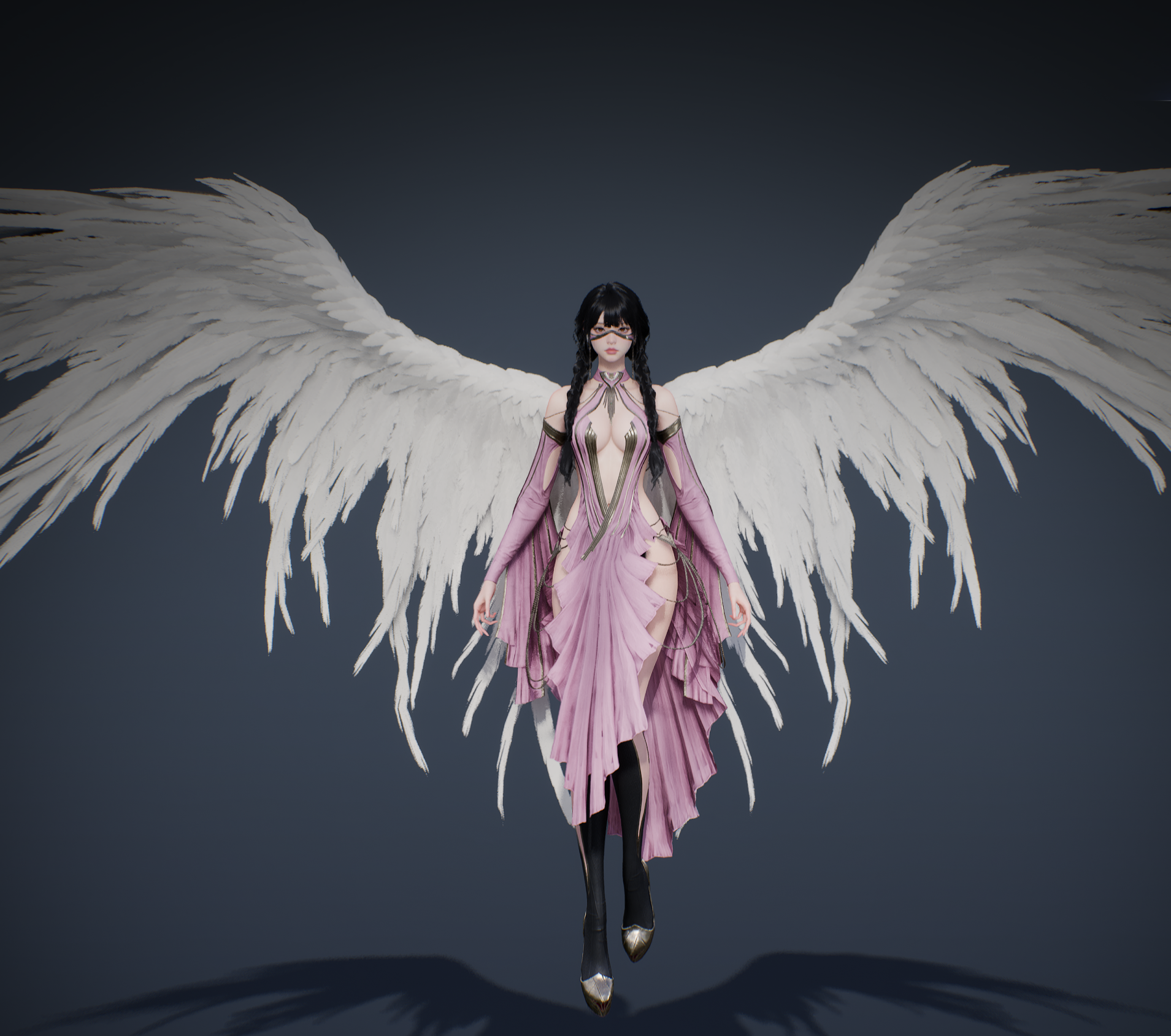
Make the look your own
- Change with a click: select an outfit name and see your new look.
- Keep it to your favorites: random mode chooses only the outfits you check.
- Keep your choices: each character remembers its own outfit list.
A new scene, the look you love
Prefer one outfit? Leave random mode off. After changing scenes, the assistant reapplies your chosen look. Turn random mode on and it picks from your checked favorites for a little variety on your next adventure.
Start in three steps
- Open Free Outfits and check Enable free outfits.
- Click an outfit name to try a new look.
- For more variety, check a few favorites and turn on Random outfits.
Exclusive to the All-Purpose Card
Enter the game and open Free Outfits in the assistant to start browsing. The feature is off by default, so you decide when to turn it on.
About Free Outfits
This feature changes appearance only. It does not change equipment stats or purchase or permanently unlock shop outfits.
Ready for a new look?
Read the outfit update · Download the assistant · Explore more features